Salesforce Experience Cloud: What It Is, Key Features, Benefits, and Use Cases
Salesforce Experience Cloud is the platform organizations use to build connected digital experiences for their customers, partners, and employees, all powered by Salesforce data. Whether the goal is a partner portal, a self-service help center, or a branded customer community, Experience Cloud provides the infrastructure to build, manage, and personalize those experiences without requiring a dedicated development team.
This article covers what Experience Cloud is, what you can build with it, its core benefits, and the features that matter most for end users and admins alike.
What Is Salesforce Experience Cloud?
Experience Cloud is a digital experience platform (DXP) built natively on Salesforce. It connects your CRM data to the digital experiences you deliver externally to customers, partners, or any other audience through a website, portal, community, or mobile app.
Because it lives inside Salesforce, every piece of data shared through an Experience Cloud site is stored and managed within your Salesforce org. There’s no separate system to integrate or maintain. Sales, marketing, customer support, analytics, and content management all operate under one roof, and anything visible on your site reflects what’s in your org in real time.
You don’t have to be a big company or a particular business to use an innovative Experience Cloud platform. As a small or mid-sized enterprise, you can quickly and easily create maintainable and beautifully branded Salesforce digital experiences according to your needs. You don’t even need to be a coder or have special know-how in the IT industry. Using experience templates, you can build adaptive and compelling CRM-powered sites that create branded areas for customers and partners.
Experience Cloud vs. Community Cloud: What’s the Difference?
Experience Cloud was formerly known as Community Cloud. The rename reflects a genuine expansion in scope: while Community Cloud was primarily associated with building online communities, Experience Cloud encompasses a much broader range of digital experience types: portals, help centers, storefronts, microsites, mobile apps, and more.
The core distinction is conceptual. Community Cloud was built around the idea of communities. Experience Cloud is built around the idea of connected digital experiences — any touchpoint where a business needs to engage an external or internal audience through Salesforce-connected data.
Within the platform, the terminology shifted accordingly: “community” became “site,” Lightning Community Builder became Experience Builder, and community templates became Experience Builder templates. The underlying Salesforce infrastructure remained the same.
What Can You Build with Salesforce Experience Cloud?
Experience Cloud supports a wide range of use cases across different business models and audiences:
- Partner portals (PRMs). Connect with distributors, resellers, and channel partners. Give them access to deal registration, co-selling tools, marketing resources, and the data they need to work effectively.
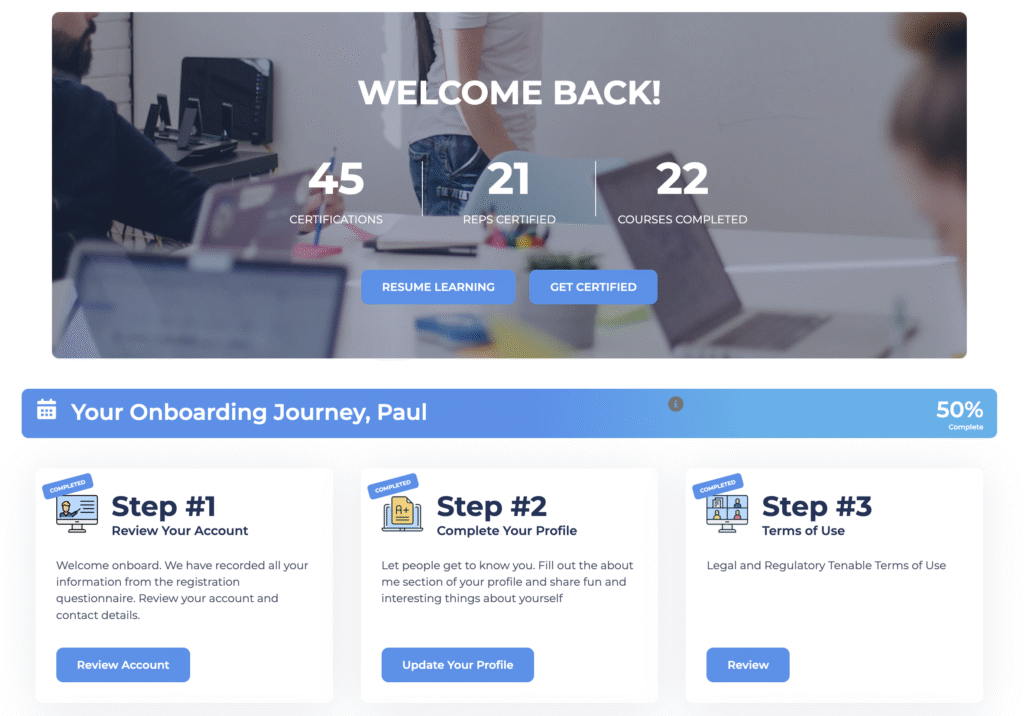
- Customer communities. B2C spaces where customers can connect with each other and with your team, discussing products, sharing feedback, finding answers, and managing their cases. If you’re planning one, our team handles online community development end to end, from structure and permissions to design and launch.
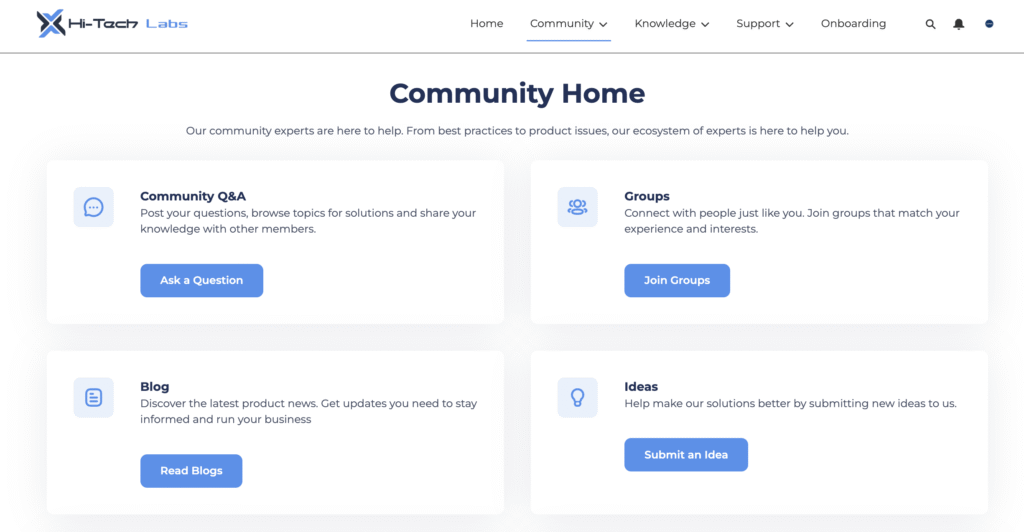
- Help centers and self-service portals. Give users the ability to find answers independently, reducing inbound support volume. Users can search a knowledge base, browse FAQs, or submit a support request when they can’t find what they need.
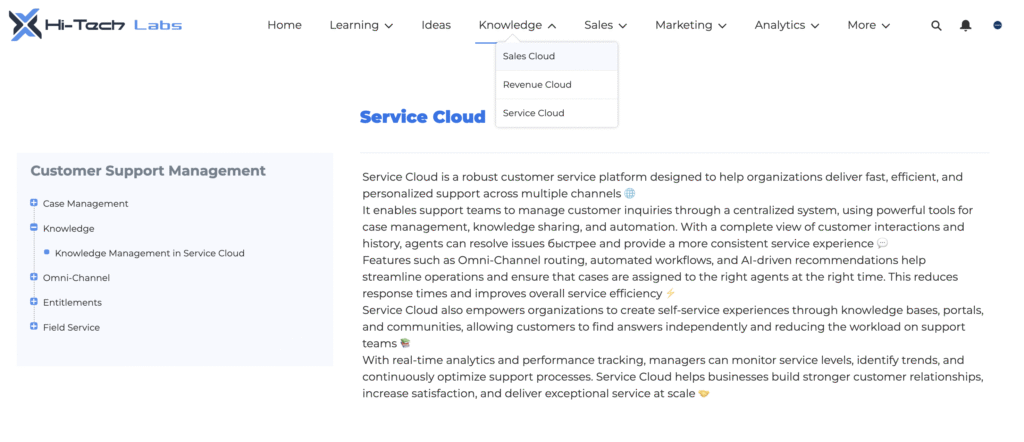
- Customer service portals. Dedicated support hubs where users can open cases, track their status, and interact with support agents.
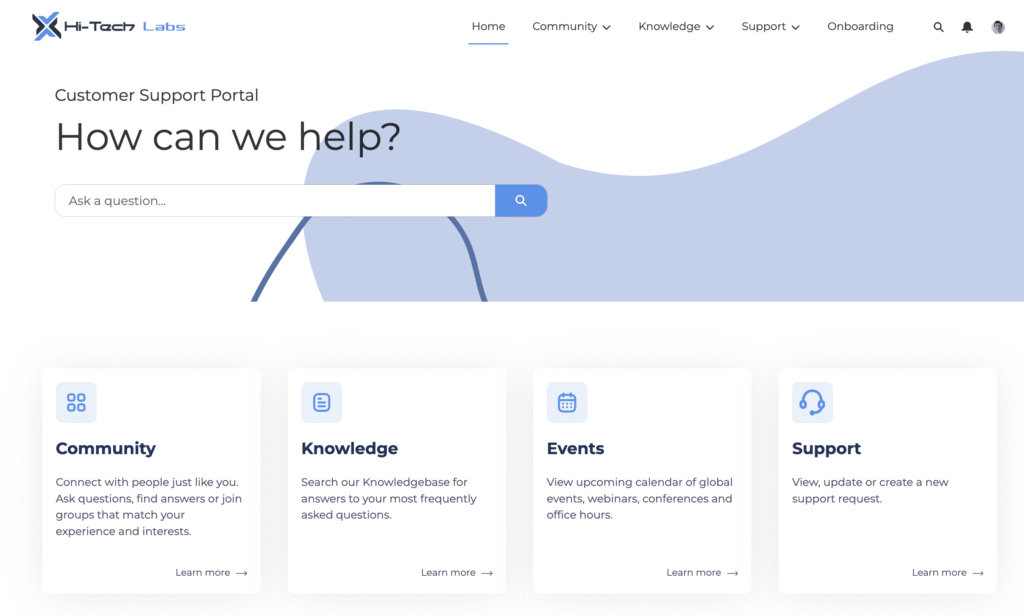
- Microsites and landing pages. Lightweight Salesforce-connected experiences for specific campaigns, product launches, or events with lead capture and analytics built in.
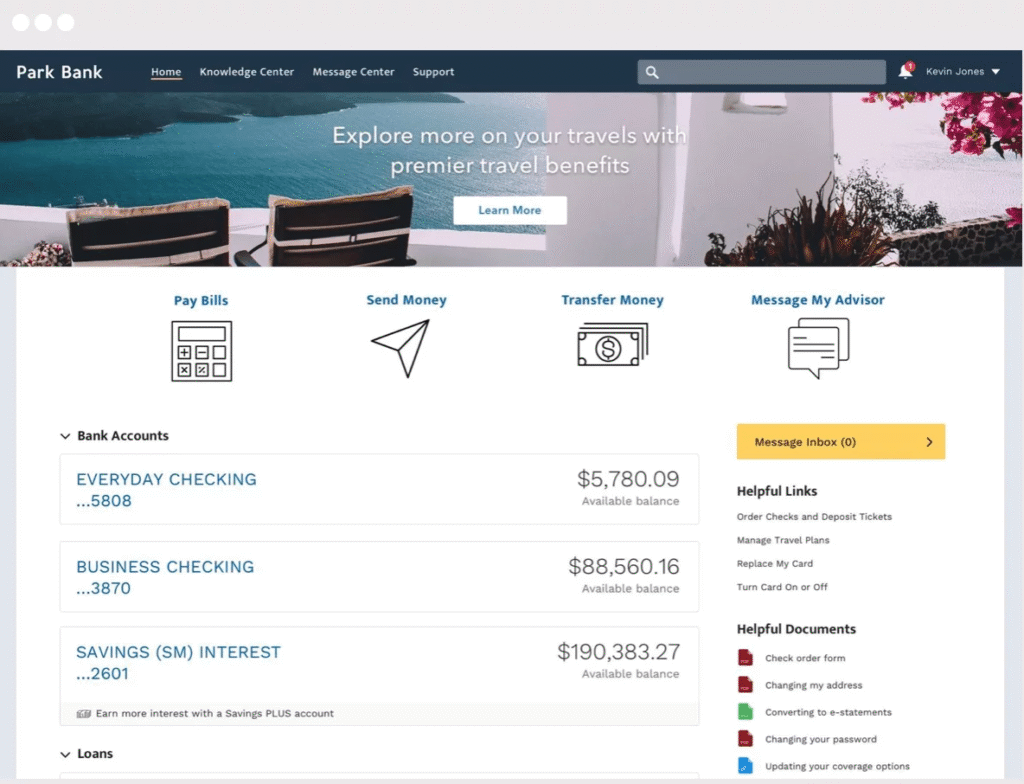
A single Salesforce org supports up to 100 active, inactive, or preview Experience Cloud sites, making it practical to run multiple distinct experiences without duplicating infrastructure.
Benefits of Salesforce Experience Cloud for Business
- Reduced support burden. Self-service portals and help centers allow customers to resolve issues on their own, reducing case volume and freeing up support teams for higher-value work.
- Stronger engagement. Communities and portals create ongoing touchpoints with customers and partners keeping them connected to your brand and to each other, not just transacting when they have a problem.
- Personalization at scale. Experience Cloud lets you control what different audiences see based on their profile, role, or behavior. Relevant content reaches the right users without manual filtering.
- Native CRM integration. All data shown on an Experience Cloud site is sourced directly from Salesforce. There’s no middleware, no syncing lag, and no third-party data exposure.
- Advanced security. Data access is controlled at every level: object, field, and record. Guest user permissions, audience rules, and role hierarchies all sit within Salesforce’s standard security model.
- Analytics and reporting. Salesforce’s reporting and dashboard tools apply to Experience Cloud sites out of the box. Google Analytics integration is available for tracking site usage, page views, and session behavior.
- Mobile-friendliness. Experience Cloud sites are mobile-responsive by default, ensuring a consistent experience across devices without building separate mobile versions.
- Scalability. The platform scales with your organization, from a single partner portal to a complex ecosystem of multiple sites serving different audiences with different permissions and content.
No-code extensibility. Experience Builder’s drag-and-drop interface means admins can build, modify, and maintain sites without developer involvement for most tasks. When custom functionality is needed, low-code and pro-code options are available.
Key Salesforce Experience Cloud Features
Salesforce Experience Cloud is a powerful platform that helps you drive online customer engagement, empower your team, and grow your business. But what makes it so cool and efficient in terms of business management? Let’s go over its most important and outstanding features:
Experience Builder
The core site-building tool. Experience Builder provides pre-built templates, drag-and-drop Lightning components, theme controls, and branding options, allowing teams to build and publish sites quickly without writing code. All LWR (Lightning Web Runtime) sites built with Experience Builder offer enhanced performance and developer flexibility when needed.
Customer 360 Integration
Experience Cloud is built on Salesforce’s Customer 360 framework, giving every site access to a unified view of customer data across departments. This makes personalization, segmentation, and contextual experiences possible without custom integrations.
Audiences and Personalization
Admins can define audience segments and control which content, components, or page variations each audience sees. Rules can be based on user profile, location, CRM data, or other attributes.
AppExchange Compatibility
Third-party apps and components available on AppExchange can be installed directly into an Experience Cloud site, extending functionality without custom development.
Salesforce CMS
Content can be created, managed, and distributed across multiple Experience Cloud sites from a single content management workspace, keeping published content consistent and up to date.
SEO and Google Analytics
Out-of-the-box SEO controls let admins define what content is indexed by search engines. Google Analytics integration provides site usage data in a familiar reporting interface.
Top Features for Customers
From an end-user perspective, the most impactful capabilities are:
- Self-service access. Users can find answers, manage cases, and access resources without contacting support.
- Community interaction. Customers can connect with peers, ask questions, share knowledge, and engage with experts.
- Personalized content. Users see information relevant to their role, region, or history with your company, not a generic feed.
- Mobile access. All experiences are accessible on mobile devices without degradation in functionality.
- Channel and partner collaboration. Partners get direct access to the tools, data, and resources they need through a dedicated portal experience.
Top Features for Admins and Managers
For the people building and operating Experience Cloud sites:
- No-code site building. Experience Builder’s drag-and-drop interface makes site creation and updates accessible to non-developers.
- Multi-site management on one org. Up to 100 sites can run on a single Salesforce org, each with independent configurations, themes, and audience rules.
- Native data access. Because Experience Cloud is Salesforce-native, admins don’t need to set up external integrations to pull in CRM data. It’s already there.
- Page variations and audience controls. Admins can build different versions of a page for different audiences, managed from within Experience Builder.
- Security management. Guest user permissions, role hierarchies, and data visibility rules are all configurable within Salesforce’s standard security framework.
- Usage analytics. Built-in dashboards and Google Analytics integration give managers visibility into how sites are being used and where content or navigation might need improvement.
Experience Cloud Licenses
Access to Experience Cloud sites is governed by community user licenses. License type determines which Salesforce objects and features are available to external users, so choosing the right license matters early in the setup process.
The four main license types are:
- Customer Community. Designed for B2C experiences with large numbers of external users. Does not include sharing rules or role hierarchy access. The Customer Community Plus variant adds advanced sharing, reports, and dashboards.
- Partner Community. Built for B2B use cases (PRMs, reseller portals, dealer networks). Includes sharing rules, role hierarchy, and access to reports and dashboards.
- Channel Account. Same permissions as Partner Community, but licensed per account rather than per user. Useful when the number of partner users isn’t fixed.
- External Apps. The most flexible license. It’s suited for complex external stakeholder experiences like franchise management, marketplaces, or multi-level marketing. Includes additional API calls, data storage, and file storage.
Final Take
Salesforce Experience Cloud gives organizations a practical, scalable way to deliver digital experiences that are connected to real CRM data without building separate systems or managing complex integrations. Whether the priority is customer self-service, partner enablement, or brand-consistent digital engagement, the platform provides the infrastructure to build and maintain those experiences efficiently.
If you’re evaluating Experience Cloud for your organization or looking to get more out of an existing implementation, the Advanced Communities team works specifically in this space, from initial setup and customization to building out extended functionality with our own solutions. Get in touch to talk through your use case.